
Error: "The package could not be decompressed. No plugins were found."«
One of the most common mistakes when installing a WordPress plugin is when we encounter the following message during the installation process:
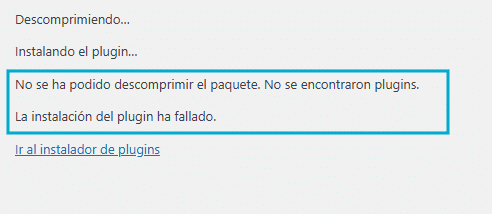
“The package could not be decompressed. No plugins were found. The plugin installation failed.”
What is the cause of this error?
This error appears when the downloaded file hasn't been extracted before installing the plugin. This is because the download includes other files from the author, such as documentation, information, etc., in addition to the plugin itself.
What should you do?
Simply unzip the downloaded file and use the plugin inside.
If you were unable to resolve your case, you can contact us at Support Area, Through your user account, we'll be happy to help you.